
How to Convert JFIF to PNG Online in 3 Easy Steps
When a layout or upload requires PNG, a photo saved as JFIF needs a different file format. This converter makes PNG copies of supported JFIF pictures for those image workflows, with free batch processing for several saved photos. It is a format change rather than a way to recover lost camera detail. Your new files are ready to download individually or together for the next stage of the project.
1Add the JFIF pictures
Use “Select Images” or drag your saved photos into the upload area.
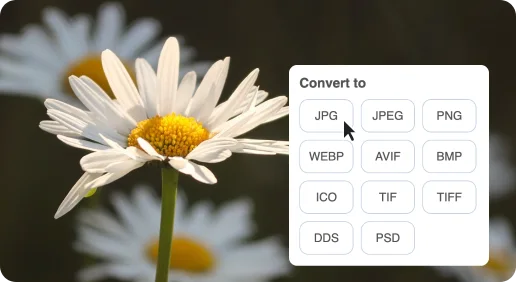
2Make PNG copies
Keep PNG selected, then click “Start Conversion” to process the photos.
3Save the converted set
Download each PNG separately or get the full group in a ZIP archive.
Free JFIF to PNG Online Converter
The useful distinction is between a JPEG-compatible filename and the genuinely different PNG file required by the next application.

A downloaded .jfif picture for a PNG project
Some downloaded photos arrive with a JFIF extension. A PNG copy is useful when the next application specifically asks for PNG rather than JPEG.

An actual format change
JFIF stores JPEG image data. Unlike changing .jfif to .jpg in a filename, producing PNG requires conversion to a different image format.

The photo stays opaque
JFIF does not supply a transparent cutout. A PNG output can store transparency, but it does not remove the original photo background.
