
How to convert an image to 150 DPI
Prepare a 150 DPI version when that is the resolution named in your print or artwork brief. This page keeps the requested setting ready, making it easy to give several images the same DPI value before delivery. The converter is free for photos and other supported pictures. Whether the result suits a particular print size depends on how many pixels are available in the source.
1Add photos or artwork
Use “Select Images” to add the pictures for your project, or drop the files into the marked area.
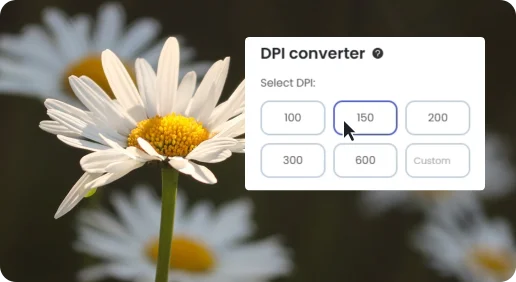
2Use the 150 DPI setting
Leave 150 DPI selected, choose your output format and click “Start Conversion”.
3Save the delivery copies
Download individual converted files or collect the finished batch in a ZIP.
Easy-to-Use 150 DPI Online Batch Converter
Our online 150 DPI converter tool is an excellent tool for anyone who needs to convert their images to 150 DPI quickly and easily. Our tool offers numerous benefits, including high-quality images,batch conversion, user-friendliness, time-saving, and accessibility. With our online 150 DPI converter tool, you can convert your images to 150 DPI in just a few clicks, making it perfect for photographers, artists, and designers.
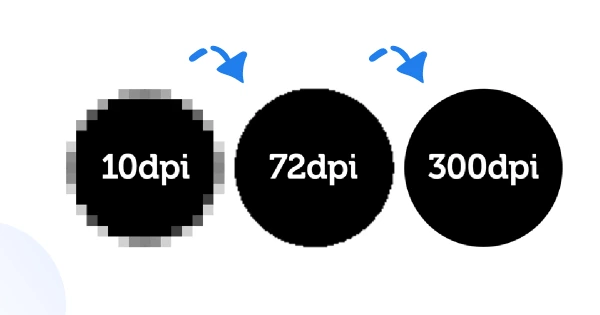
Change Image to 150 DPI online for free
If you're looking to modify the DPI of images to 150 DPI for free, Hicompress's online DPI conversion tool might be the perfect choice for you. It's very simple—just a few clicks to change the image to 150 DPI for free. Even if you're a beginner who has never used this graphic format, you'll find our user-friendly DPI conversion application easy to use.
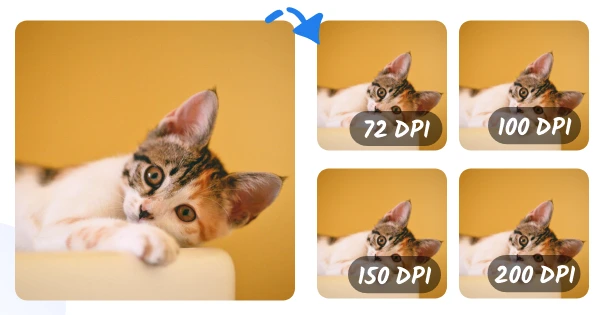
Batch Change Image DPI To 72, 100, 200 and More
Easily modify DPI of images in one go with Hicompress's batch DPI conversion tool. Whether you have 50 or 100 files, our DPI converter ensures fast, high-quality results. Perfect for professionals and beginners alike. Start converting now!
FAQs about 150 DPI Converter
How to convert image to 150 DPI online?
2. After choosing or uploading your image, simply press the “Convert to 150 DPI” button. The tool’s algorithm will then adjust the resolution to the industry-standard 150 DPI.
3. Once the conversion is complete, click the “Download” button to save your transformed high-resolution image to your device.
Is it free to Change DPI online using this 150 DPI converter?
Is it safe to Change images to 150 DPI online?
Fastest DPI Converter
Just select DPI between predefined settings: 72, 100, 150, 200, 300, 600, or enter the necessary one, wait a few moments and save.
Batch Change Image DPI
You can use Hicompress DPI Changer to convert images in bulk. It is feasible to import hundreds of photos at a time and convert them in one go
Free Access
Hicompress DPI Converter tool is completely free to use, no sign-up required, and no credit card is needed.
Change DPI Online
You don't need to download any heavy software to your Mac, Windows, iPhone or Android because the tool works right in your browser.
Easy to Use
Our free online dpi converter offers a simple and user-friendly interface, making it easy for anyone to process images any prior technical knowledge.
Secure and Private
We don’t store or see your images as they are processed directly in your browser – no uploads to our server, maximizing the protection of your privacy.
