
How to convert an image in 3 steps
A photo upload, a graphics editor and a website can each need a different image format. HiCompress converts supported pictures to JPG, PNG, WebP and other available formats, helping you prepare the version your next project accepts. Work with a single image or turn a collection into matching files in one batch. The online image converter is free from processing to download, with no desktop application to install.
1Choose images
Click “Select Images” or drag the photos and graphics you want to convert into the upload area.
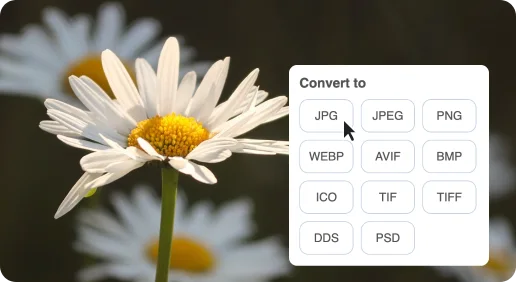
2Select an output format
Choose the image format your project needs and click “Start Conversion”.
3Download the converted files
Save each finished image, or download the completed collection as a ZIP.
Free online image converter
Give photos and graphics the format they need for sharing, editing and online uploads, with free single-image and batch conversion.

Image formats for real destinations
A photo form may want JPG, a graphics project may need PNG, and a website may use WebP or AVIF. The right copy fits where the image is going.

Batch image conversion for a collection
A folder of photos or design assets can become a consistent set of images for a gallery, content update or shared project, without a separate desktop converter.

Keep the character of the image in mind
Photos, transparent logos and fine-text screenshots have different needs. Conversion makes a new delivery version; the source remains useful for later edits and other formats.
