
Compress images for a 20KB upload allowance
A small photo field can reject an otherwise suitable picture simply because the file is too large. This 20KB compressor makes a smaller upload copy from JPG, JPEG, PNG or WebP, with individual and batch processing available.
How to compress an image to 20KB
A picture can have the right content for an application yet still be too large for its 20KB image field. HiCompress helps you prepare a smaller copy online, with 20KB already selected as the file-size target. Photos and graphics in JPG, JPEG, PNG or WebP can be added, including several files for the same submission. Compression is free, and the downloaded copies leave your original pictures available for other uses.
1Select pictures to reduce
Click “Select Images” to choose your photos or graphics, or drop them into the page.
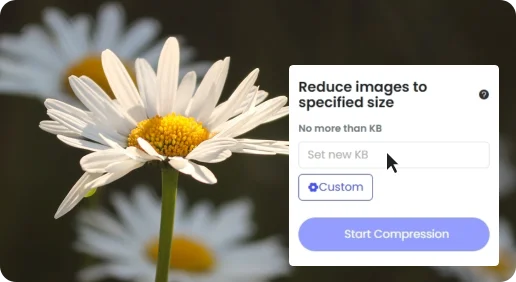
2Apply the 20KB target
With 20KB selected in the size field, click “Start Compression” for the uploaded pictures.
3Download the results
Save the compressed image files separately, or download the finished batch as a ZIP.
JPG, JPEG and PNG at a small file size
JPG and JPEG are the same photo format. PNG can be useful for simple graphics or transparency, while JPEG often suits photographs. For a photo that needs a different format, PNG to JPG provides a separate conversion option.
The limit belongs to the receiving form
A maximum of 20KB is a file-size rule, not a universal ID-photo specification. Portrait framing, background and pixel dimensions depend on the destination. This page addresses the size allowance without inventing one set of photo rules for every upload.
