
Minimum 250x250 pixels, or an exact square?
A minimum of 250 × 250 pixels means both sides must be at least 250 pixels, unless the upload also asks for a square. A 400 × 600 photo already meets that minimum. An exact 250 × 250 requirement is different: it needs a square with those specific dimensions.
How to resize an image to 250x250 pixels
An upload asking for 250×250 pixels may mean an exact square or a minimum width and height. This free image resizer helps prepare either a 250×250 picture or a proportionally sized copy with both sides at least 250 pixels. That gives profile pictures and other upload images the dimensions their destination actually needs. Single-image and batch resizing are available in your browser, with separate downloads or a ZIP for the finished copies.

1Choose your photo
Click “Select Images” to add the picture you want to resize, or drag it into the page.
2Match the size requirement
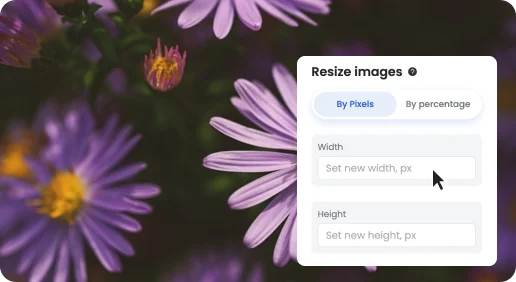
For an exact square, use 250 × 250 with Crop. For a minimum, use Scale with proportional dimensions of at least 250 on each side. Click “Start Resize”.

3Download your image
Save the resized picture, or use the ZIP download if you processed several images.
Keep the shape of your photo when only a minimum is needed
A 200 × 300 portrait can become 250 × 375 without changing its proportions. Cropping it to a square would remove part of the picture, while stretching it into a square would change its shape. The image resizer accepts custom width and height; this page starts with the exact 250 × 250 preset.
