
How to convert an image to 72 DPI
If an image brief asks for 72 DPI, this page helps you prepare a copy with that resolution setting. It is useful for meeting a stated asset requirement without confusing DPI with the width and height of a screen image. HiCompress can process several supported pictures together for free. Your image still needs the appropriate pixel dimensions for the place where it will appear.
1Add the source pictures
Click “Select Images” or drag the pictures for your asset set into the upload area.
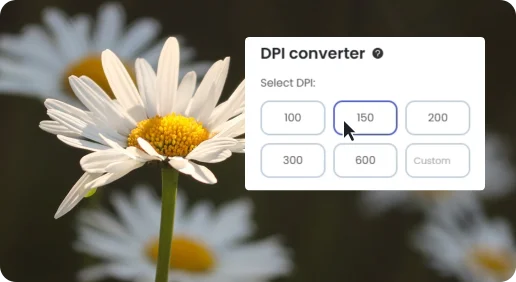
2Enter 72 DPI
Type 72 in the custom DPI field, choose an output format and click “Start Conversion”.
3Save the 72 DPI copies
Download the completed pictures individually or together as a ZIP.
72 DPI images for the projects that ask for them
An app, image brief or design template may request a file set to 72 DPI. This free converter changes that resolution setting for one picture or several, right in your browser.
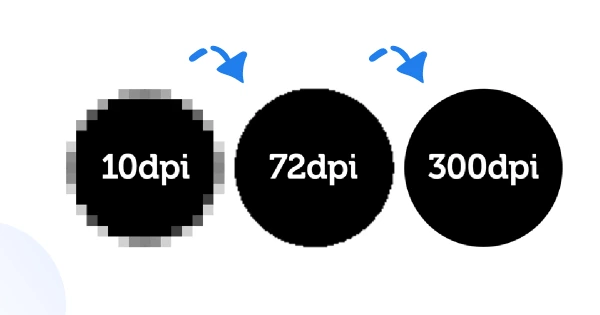
Match a 72 DPI image requirement
A picture can have the right width and height but a different DPI setting from the one your project specifies. Make a 72 DPI copy for that requirement while keeping the original image for other uses.
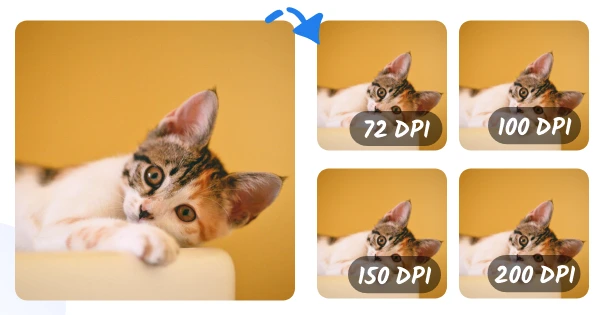
Keep a collection at 72 DPI
Images gathered from different sources can have different resolution settings. Convert them together for a project that asks for 72 DPI, with a ZIP download to keep the results in one place.
72 DPI converter: common questions
Is the 72 DPI converter free?
Do all web images need to be 72 DPI?
Will changing a photo to 72 DPI reduce its file size?
What happens when I change 300 DPI to 72 DPI?
Can I convert several pictures to 72 DPI together?
 A simple way to make 72 DPI copies
Match the requested resolution
Use 72 DPI when that value is part of your image brief or app requirement.
Consistent settings across a batch
Convert a collection from different sources to the same DPI value.
Keep versions for other uses
Your originals stay available while you download separate 72 DPI copies.
Online on Windows or Mac
A browser is all you need; there is no desktop converter to install.
No conversion or download fees
One picture or several, the tool is completely free.
Local image processing
Pictures stay in your browser while their resolution setting is changed.
