
An image resizer for the places your pictures appear
A profile, web page and presentation can need different versions of the same photograph. This online image resizer changes JPG, JPEG and PNG dimensions in pixels or by percentage, with custom sizes and batch downloads for a collection.
How to resize an image in 3 steps
A photo can need different dimensions for an upload, a website or a presentation. HiCompress lets you resize JPG, JPEG and PNG images by pixel width and height or by percentage, with cropping and scaling choices for different picture shapes. Work with one image or prepare a collection together, then save the resized copies individually or as a ZIP. This online image resizer is completely free and needs no desktop installation.
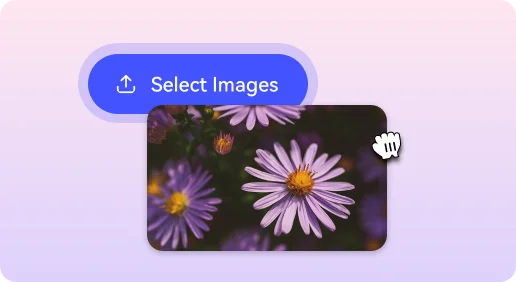
1Select your images
Click “Select Images” or drag your JPG, JPEG and PNG pictures into the upload area.
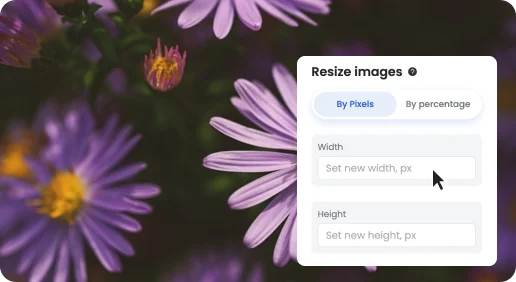
2Set the new dimensions
Enter the width and height under By Pixels, or choose By percentage for proportional resizing. Click “Start Resize”.
3Download resized copies
Save the finished pictures separately, or download the completed batch as a ZIP.
Pixel dimensions and the shape of a picture
An exact width and height define the output frame; a minimum only sets a lower boundary. Proportional resizing keeps the original shape, while a crop fills a different frame by removing edges. A file-size cap in KB or MB is a separate task for the image compressor.
Image sizes for different projects
Choose an exact square or landscape size, or stay with custom dimensions for another layout.

250 × 250 pixels
For exact square pictures or uploads that specify minimum dimensions.

256 × 256 pixels
Compact avatars, icons and small preview images.
800 × 800 pixels
Square product photos for catalogs and galleries.

1024 × 576 pixels
16:9 landscape pictures for slides, covers and thumbnails.

3000 × 3000 pixels
Larger square artwork for cover-art and design briefs.
