
3000x3000 artwork for a square cover brief
Album artwork, a podcast cover brief or a large square design may call for 3000 × 3000 pixels. This preset prepares a copy at that size, giving a larger original a square output for the project’s requested dimensions.
How to resize artwork to 3000x3000
Cover artwork and large square designs sometimes come with a 3000×3000 pixel requirement. HiCompress helps prepare that image size from your photo or design, with the dimensions preset for individual files and batches. A square original keeps the full composition in the same shape, while rectangular artwork can use cropping to fill the frame. This free browser tool makes resized delivery copies, leaving your original artwork available for future edits and other formats.
1Choose your artwork
Click “Select Images” to add the photo or design, or drag the original artwork onto the page.
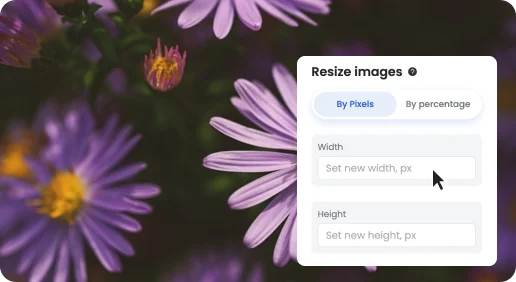
2Set the square output
Keep 3000 × 3000 as the output dimensions. Select Crop for rectangular artwork and click “Start Resize”.
3Save the resized artwork
Download the 3000×3000 image, or save the completed artwork selection as a ZIP.
Large artwork depends on the source
A cover combines illustration, lettering and details that may appear both as a small preview and a larger image. A sharp design source gives those elements a stronger starting point. Expanding a small picture fills more pixels but cannot recover original detail that was never there.
