
How to Convert JPG to ICO Online in 3 Easy Steps
Turn a JPEG logo, drawing or photo into an ICO file for a project that needs an icon. This converter makes supported JPG artwork usable in that file format without an extra desktop program. It helps reuse an existing image, though simple shapes usually remain clearer than detailed photographs at small sizes. Single designs and batches of alternatives are free to convert and download.

1Choose the icon image
Click “Select Images” to add JPG artwork, or drop the source pictures into the upload area.
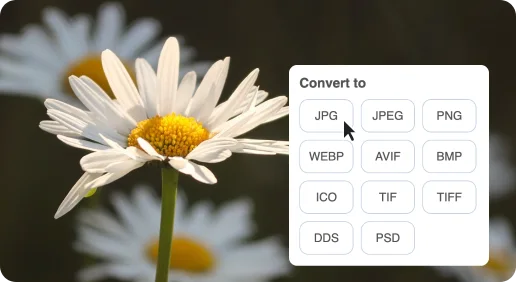
2Make ICO versions
With ICO selected, click “Start Conversion”.
3Save the finished icons
Download icon files individually or save all converted designs in a ZIP.
Free JPG to ICO Online Converter
A logo or close-up photo can provide the recognizable artwork for a shortcut, even if its source is an ordinary JPG.

A familiar image as a personal icon
A JPG portrait, pet photo or simple logo can provide the artwork for an ICO used as a visual shortcut identifier.

Framing matters more at icon size
A square image with a recognizable subject works better than a distant subject or a photo filled with small details.
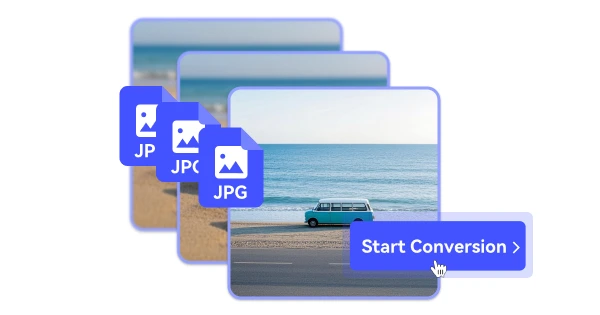
A JPG background stays part of the artwork
JPEG has no transparent alpha channel. Converting the file to ICO does not automatically cut the subject out of its background.
