
How to Convert HEIC to BMP Online in 3 Easy Steps
A photo from your phone may need a BMP copy before it can be used in a particular desktop application. HiCompress converts supported HEIC pictures into bitmap files for that import requirement. It is a free option for one image or a collection going into the same program. BMP is useful here because the application requests it, rather than as a smaller format for keeping a photo library.
1Choose the HEIC images
Use “Select Images” to add phone photos, or drop the files into the upload area.
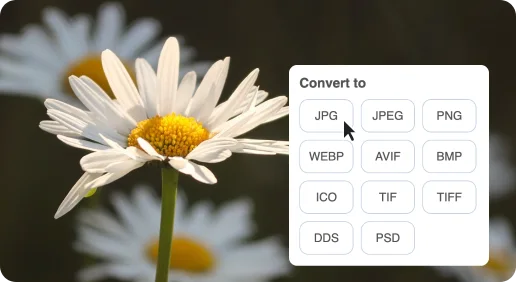
2Convert photos to BMP
Leave BMP selected, then click “Start Conversion”.
3Save the bitmap copies
Download each BMP individually or save the finished group as a ZIP.
Free HEIC to BMP Online Converter
A bitmap copy is useful when the destination is an older application rather than a phone gallery or ordinary photo attachment.

An iPhone photo for bitmap-only software
A phone photo may need BMP before it can be used in older design or desktop software. The bitmap copy bridges that specific format gap.

More space for a simpler handoff
BMP can be much larger than the original HEIC. It serves an import requirement rather than an email or website file-size goal.
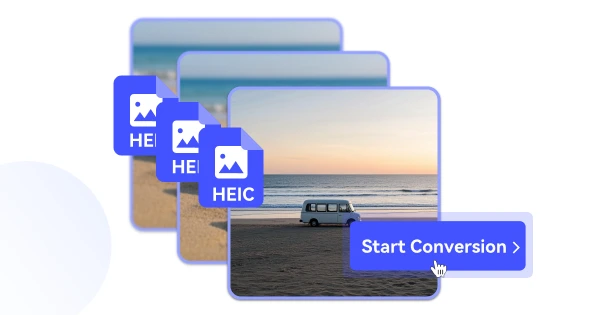
Keep your phone-photo original
The HEIC remains useful as your original photo while the BMP is available for the application that needs it.
