
How to Convert HEIC to PNG Online in 3 Easy Steps
Bring a phone photo into a project that requests PNG rather than HEIC. This converter creates PNG copies from supported HEIC files for image editing, layouts and uploads with that format requirement. Several photos can be prepared together, which is useful when assembling a set of source pictures for the same design. Conversion is free, and changing the format does not remove the photo’s background.
1Add the phone pictures
Use “Select Images” to add HEIC files, or drop your photo selection into the upload area.
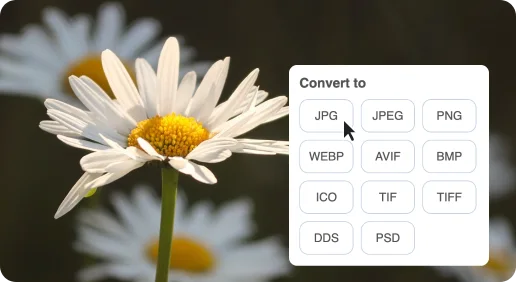
2Create PNG photo copies
Leave PNG selected and click “Start Conversion”.
3Save the project images
Download each PNG separately or collect the converted photos in a ZIP.
Convert HEIC to PNG Online for Free
PNG is useful when the project wants a conventional image asset rather than a phone-photo container.

A PNG photo for an editing project
A design project may accept PNG but reject HEIC. Conversion supplies a conventional raster image that can sit alongside screenshots, logos and other project assets.

PNG storage does not recreate the camera original
PNG can store the rendered picture without JPEG-style compression, but it cannot recover information already absent from the HEIC rendering.
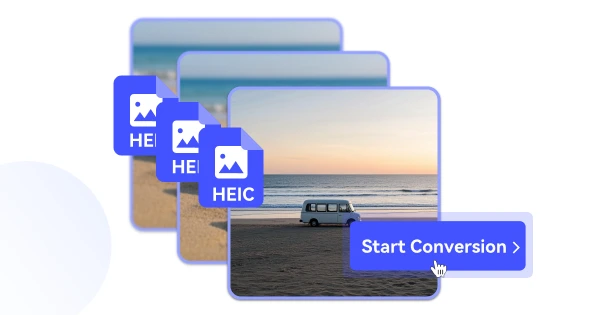
A whole selection for the same project
Batch HEIC to PNG conversion is useful when several phone photos need the same format for a presentation or graphics assignment.
